AI / ML & Computer Vision
CT Garud CT Flow Builder CT OCR / OCV CT Mikha Anomaly Detection BCFHS Vision Measurement Process Check EOL Inspection All vision →
IoT & Smart Factory
Production-Line Tracking EHS / Safety Tracker OEE & Condition Monitoring Digital Dashboards (DMS) NCMS CPAS All IoT →
AI CCTV Monitoring System Engineering & Machine Building OMR — Exam & Form Scanning Vaarnaap — Weight Management System Our Work Case Studies Services About Careers Contact Get Free Assessment →
Book Free Assessment

/ Enterprise AI

AI Enabled CCTV Monitoring System

Safety & monitoring, on the CCTV you already own.

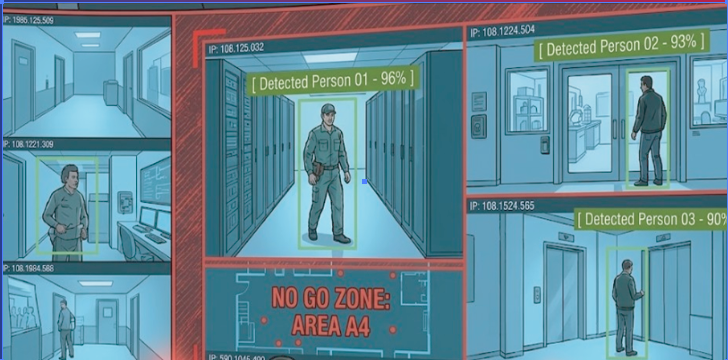
Your cameras already see everything — nobody can watch every feed. This platform turns conventional CCTV into an intelligent monitoring system that detects events, tracks people and vehicles, analyses activity and answers questions about your footage in real time. It runs on your existing cameras and on your own hardware.

Works with existing IP cameras Runs on-site, no cloud One GPU server, many feeds
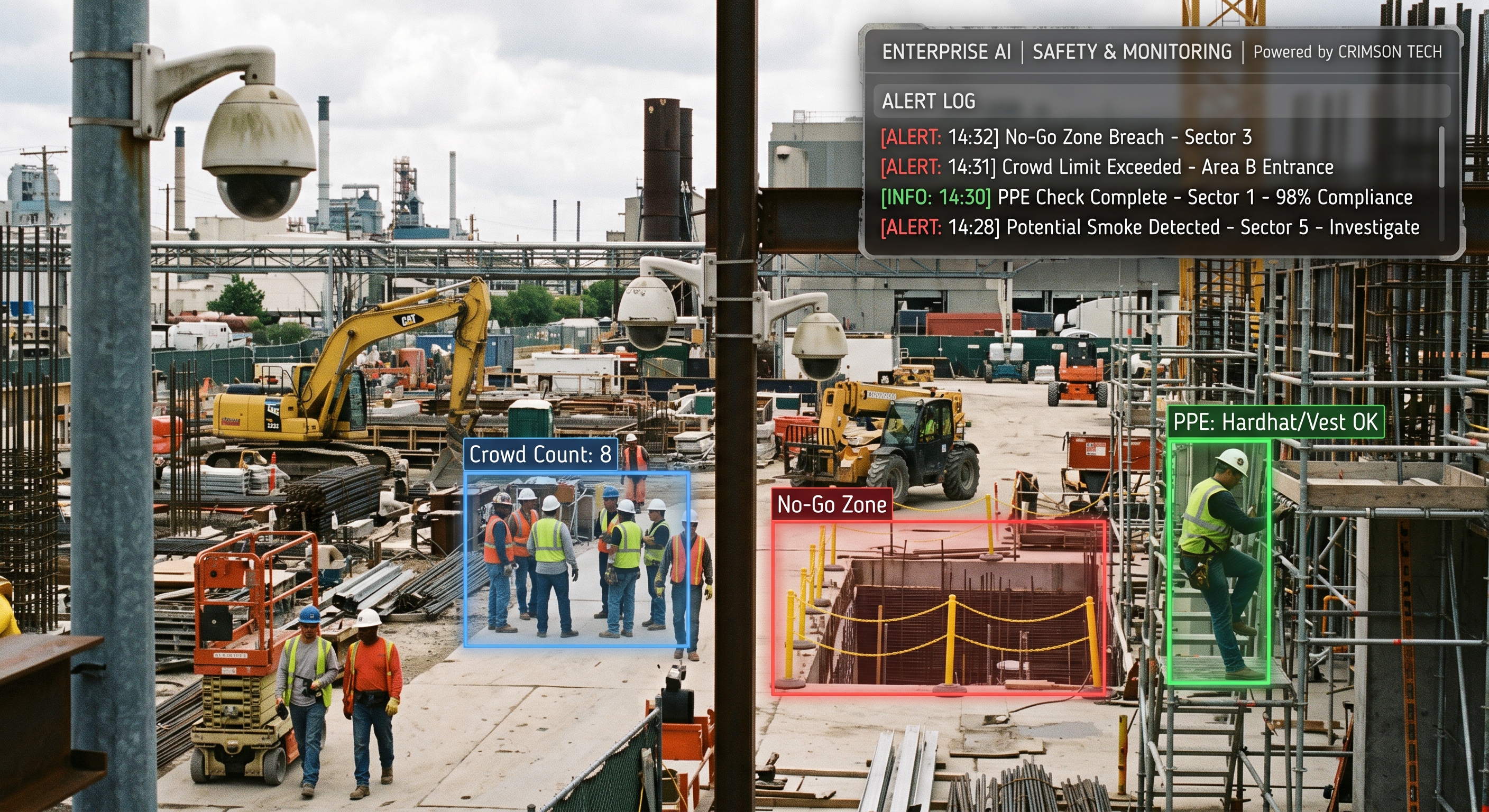
AI monitoring running on existing CCTV feeds

Most CCTV is reviewed after the fact. The footage existed while the incident happened — nobody was watching that screen at that moment.

Investigations cost hours. Finding one event across dozens of cameras and days of recording is manual scrubbing.

Operators can't scale. Attention across a wall of monitors drops within minutes — that is human, not negligence.

/ What It Watches

Eight Capability Areas, One Platform

Rules and zones are drawn per camera. You switch on only what your site needs — the camera–feature matrix below decides which.

Security, Safety & Intrusion
Perimeter and restricted-zone protection, plus the scene integrity checks that tell you a camera has stopped being useful.
  • Intrusion & line crossing
  • Zone entry / exit
  • After-hours intrusion
  • Unattended object
  • Object removal
  • Camera tampering
  • Defocus / obstruction
  • Camera offline
People Detection, Tracking & Counting
Detect and follow people through a site, measure how long they stay and which way they go — without identifying anyone.
  • Detection & counting
  • Multi-object tracking
  • Cross-camera tracking
  • Attribute search (clothing)
  • Entry / exit records
  • Dwell time
  • Direction & route
Behaviour & Activity Detection
Events that need someone to act now, flagged the moment they happen rather than found in a recording afterwards.
  • Fall / person-down
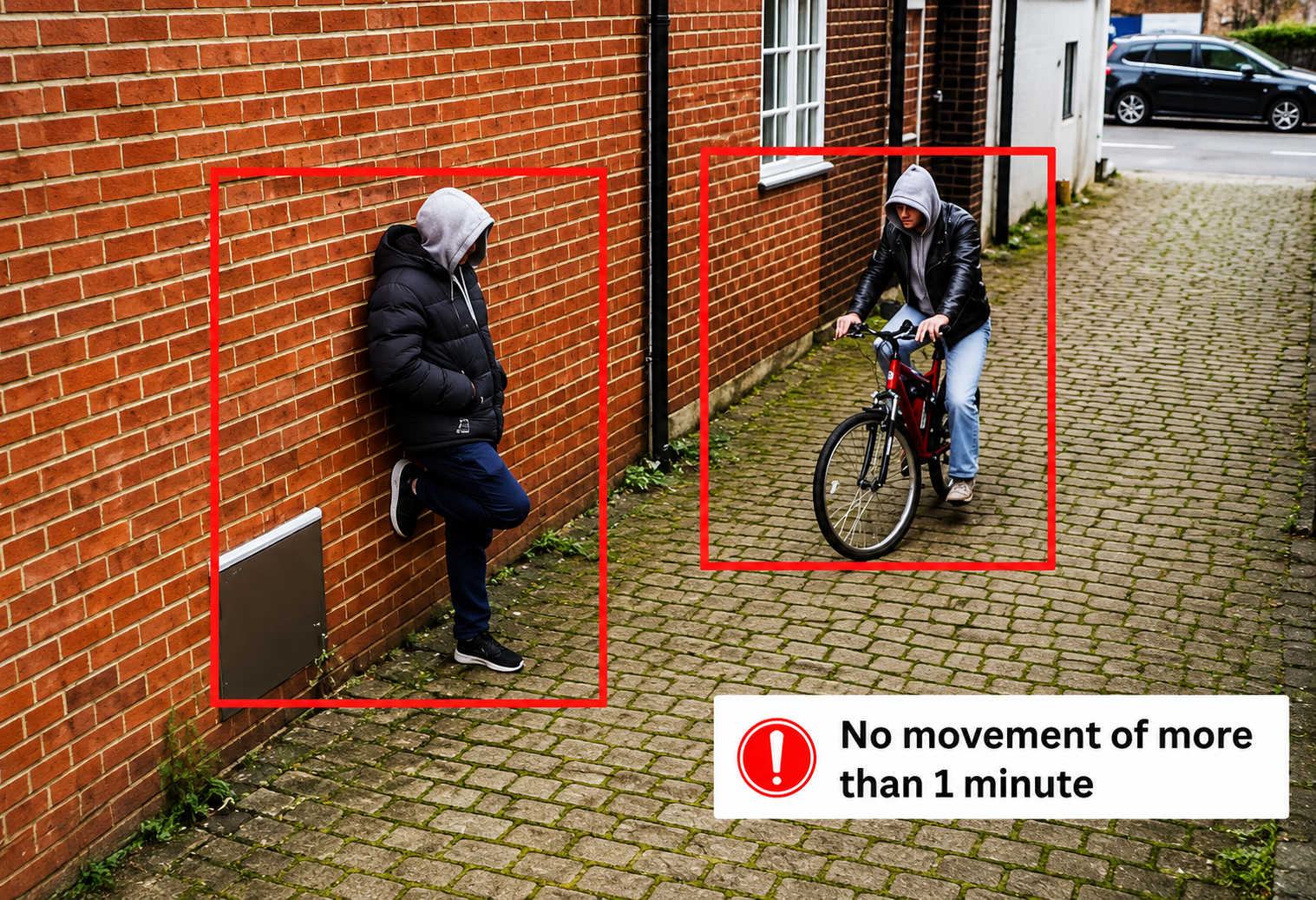
  • Loitering
  • Crowd forming
  • Anomalous activity
  • Fighting / aggression
  • Repeated entry attempts
Industrial Safety & Compliance
The plant-floor rules, enforced on every shift and logged for your EHS reporting.
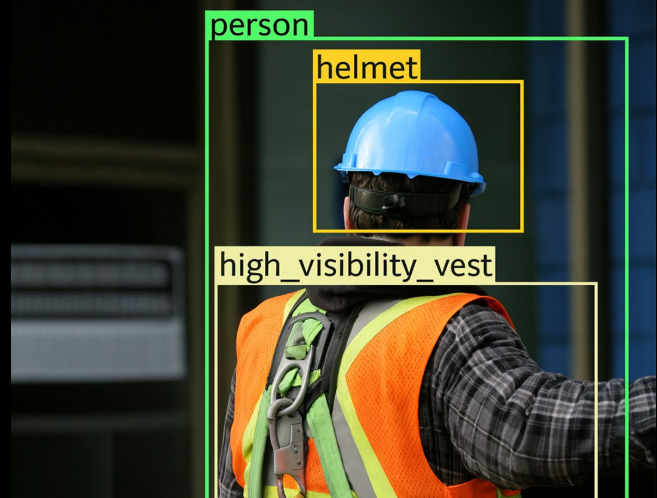
  • PPE combinations
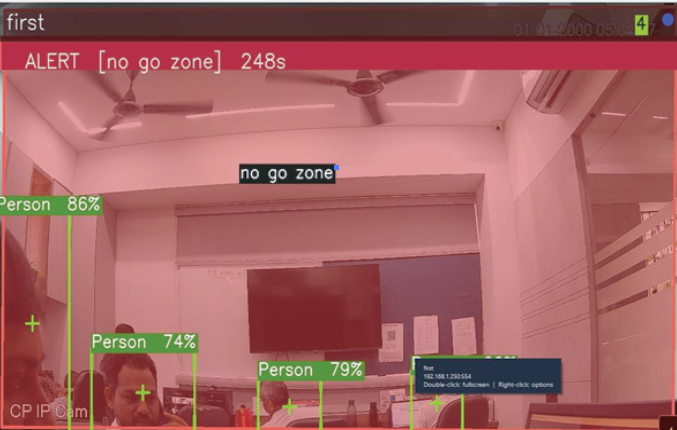
  • Hazard-zone entry
  • Safety-line crossing
  • Unsafe proximity to machinery
  • Smoking detection
  • Phone-use detection
  • Staff presence
  • Violation reports by shift
Vehicle & Traffic Intelligence
Gate, yard and road-facing cameras turned into a vehicle record — what came in, when, and how it moved.
  • ANPR / ALPR plate reading
  • Vehicle type & colour
  • Counting & direction
  • Wrong-way driving
  • Queue length & congestion
  • Speed estimation
  • Parking occupancy
  • Barrier / access integration
Crowd & Business Analytics
The operational read on a space — how full, how long, how it flows — from cameras already installed.
  • Entries / exits
  • Live occupancy vs capacity
  • Queue length & wait time
  • Movement heatmaps
  • Dwell-time analysis
  • Congestion alerts
AI Video Search & Investigation
The part that saves hours: ask for footage in plain language instead of scrubbing a timeline.
  • Search by time & camera
  • Search by attributes
  • Event-based search
  • Natural-language queries
  • Automatic incident clips
  • Evidence export
System Intelligence & Operations
What makes it run as a system rather than a demo — access control, multiple sites, and knowing your cameras are alive.
  • Central dashboard
  • Roles & access levels
  • Multi-site management
  • Audit trails
  • AI model versioning
  • Camera health monitoring
  • Email / SMS / WhatsApp alerts
  • Incident escalation
  • APIs & integrations

/ Why CCTV-Based

No New Hardware. No Blind Spots.

01
Uses existing cameras
Runs on the CCTV network you already have — RTSP/ONVIF feeds in, alerts out. No rip-and-replace.
02
Every feed, all the time
AI watches all cameras simultaneously — the thing no control-room team can physically do.
03
Alerts, not footage
The clip and location reach the right person the moment it happens — not hours of recording to scrub.
04
Records for compliance
Digital, searchable events — PPE stats, near-misses, zone breaches — ready for EHS and security audits.

/ How We Scope It

Cameras Mapped to Features, Before Anything Is Quoted

Not every camera can run every feature — angle, resolution and lighting decide. We work this out with you first, so the cost and the compute are known rather than discovered later.

01
Business objective
What you actually want the system to achieve — fewer incidents, faster investigations, better throughput.
02
Camera mapping
How many cameras you have, where they point, and what each one can realistically see.
03
Feature selection
Which capabilities serve that objective — not everything on this page belongs on every site.
04
Camera–feature matrix
Each camera mapped to the features it will run, so cost and compute are known up front.
05
Severity rating
Every rule rated Severe, Medium or Low, so alerts reach the right person at the right urgency.

/ Under the Hood

From Camera Stream to Actioned Event

Model cascading and camera batching are why one GPU server covers many feeds instead of one box per camera.

01
Camera registry
Every feed registered with its location, role and the rules that apply to it.
02
Stream ingest
Live RTSP / ONVIF streams pulled and decoded from existing NVRs and cameras.
03
Clustering & batching
Cameras grouped so one GPU serves many feeds instead of one model per camera.
04
Scheduling
Batch execution with slots and gates — compute goes where it is needed.
05
AI inference
Model cascading: a light model screens every frame, heavier models confirm.
06
Tracking
Detections joined into tracks across frames and between cameras.
07
Rules engine
Your zones, thresholds and severities decide what counts as an event.
08
Events & evidence
Alert raised, clip captured, record stored and pushed to the people who act on it.

/ What It Runs On

Your Cameras. Your Server. Your Network.

Most sites already have the first three. We size the GPU server against the camera–feature matrix, so you buy compute for the rules you actually switch on.

  • IP cameras — the ones already installed, via RTSP/ONVIF
  • NVRs & switches — existing recording and network layer
  • GPU server — on-premise, sized to the camera count and features
  • Monitoring software & dashboards — events, roles, sites and reports

Video, models and event records stay on your infrastructure. The system runs without an internet connection and there is no cloud service for footage to be sent to.

People analytics here are counting, tracking and attribute-based — they describe movement and appearance, not identity.

Plate recognition and any identity-matching capability are configured per site and depend on the legal basis you hold for them. We will tell you what is appropriate for your jurisdiction during the assessment — see our Privacy Policy.

/ Get Started

Tell Us Your Use Case and Camera Count

Send a camera layout or a short site video. We will map your cameras to the features that are realistic on them, rate each rule by severity, and come back with a scope — free assessment, no commitment.

Book Free Assessment → See Case Studies